1. After building your door, click ‘Add Delivery’
2. Delivery configurator will default to Company address, amend if necessary to site address
3. Tick ‘Confirm Delivery Address’ once you’ve filled in the correct delivery address

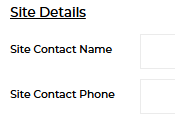
4. Fill in Site Contact name and number if delivery to site
5. Tick any other necessary sections based on requirements (e.g. AM Delivery etc)
6. Select your delivery date
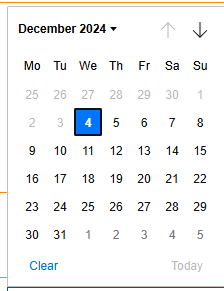
At point of quote, you may not know the date. If you select the earliest possible date based on lead time, when you submit your order, it will select the earliest possible date based on lead time. If you require a date later than lead time – you must enter the configurator and select that that date before placing the order.
7. Click ‘Add Delivery’ and complete your quotation as normal