
1. Click Create a quote

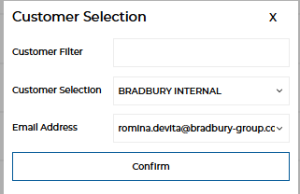
2. Select your customer and their email address
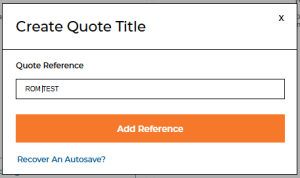
3. Add the reference name or number and click ‘add reference’
4. Select your product and click ‘Configure’

5. Add door reference (if none, just copy and paste the Q3000 number or put D1.. D2.. etc)

6. Configure your door and click ‘Add to Quote’

7. Add more doors if required following same process
8. Configure your delivery
9. Edit delivery address if going somewhere else
10. Click Confirm delivery address

11. Select an estimated delivery date
– if you select a date and don’t order for a period of time, the template will select the date based on lead time
– If you would like to have delivery in the future, you must choose the date in the delivery configuration before submitting order
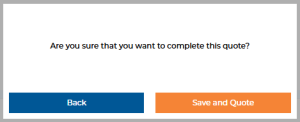
12. Once quote is complete, click ‘Quote’ and ‘Save and Quote’
13. You’ll then receive an email confirming the total value of your quotation
14. After a few minutes, your quotation will process and you can click ‘View Quote’

15. Go to ‘Documents’ for your price and drawing
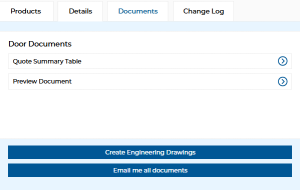
Quote Summary Table – is the price
Preview Document – is the drawing/s
Create Engineering Drawings – is the CAD drawings
Email me all documents – sends you all of the above
